Mixed items and editable text
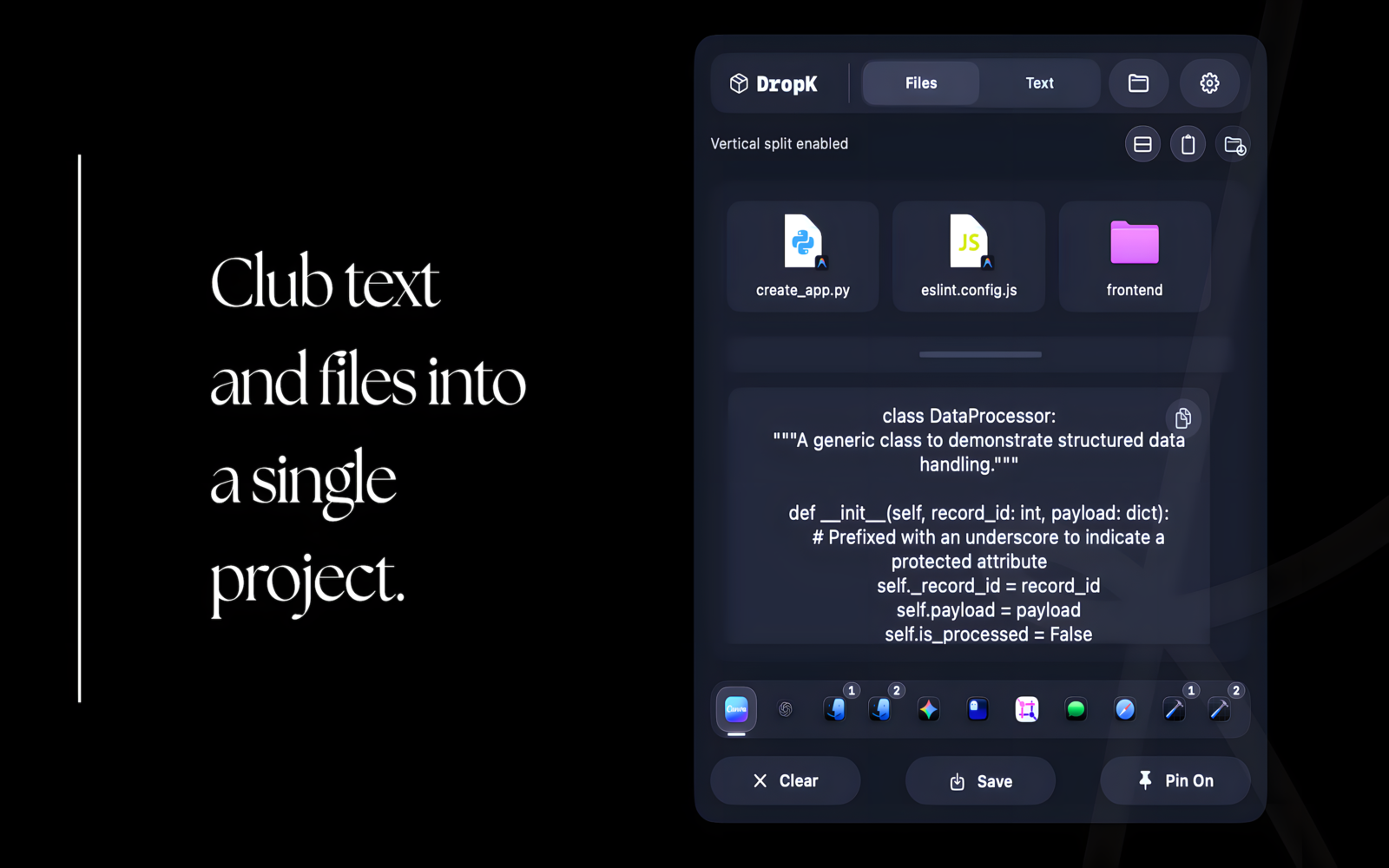
Keep files, folders, images, links, apps and text in one panel. Switch to a vertical split when you need the file stack and text editor together.

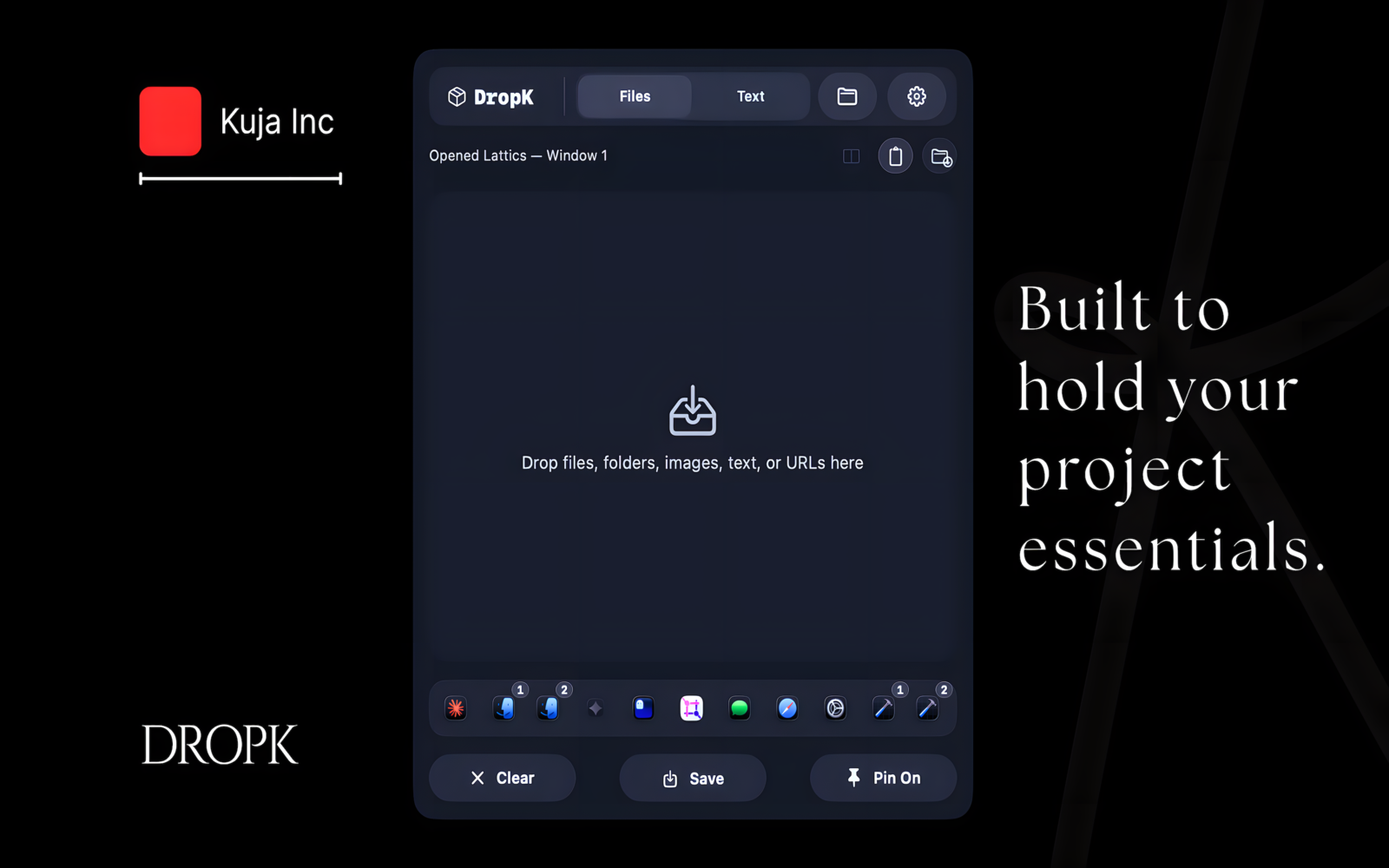
Collect files, text, links, images, folders and apps in a floating menu bar panel, then drag the complete working set wherever it needs to go.
How it works
Drag in the images for an upload, copy the caption, and keep the destination link beside them. DropK lets text and files remain together instead of hiding the latest item inside clipboard history.
Drop or copy the pieces you need into one floating shelf.
Rearrange the set, edit text, or hand an item to another app.
Empty the shelf when you finish, or save a reusable layout.
Three strong capabilities
Keep files, folders, images, links, apps and text in one panel. Switch to a vertical split when you need the file stack and text editor together.
Save a recurring set and bring it back by name. Free keeps up to 2 layouts; Pro removes that limit and adds optional iCloud sync between Macs.
Use Shortcuts, Siri and Spotlight to save or restore a shelf. Pro also adds an open-apps bar for handing files to running apps.
India storefront prices: ₹99 monthly, ₹799 yearly, or ₹1,299 lifetime. Monthly and yearly include a 14-day Apple-managed trial. Apple shows local pricing before purchase.
Compatibility and limits
DropK 3.0 is a Mac App Store app that requires macOS 15.6 or later. Older Macs cannot run this release.
Original files remain in their existing locations. DropK is not a backup, Finder replacement, permanent archive, or automatic record of every clipboard item. Important work should still be stored and backed up normally.
macOS Tahoe includes searchable Clipboard History in Spotlight. DropK is for a different job: a deliberate mixed-content set that stays visible, can be rearranged, and can be saved as a layout.
Privacy
The working shelf and local app state stay on your Mac. Optional Pro sync stays off until you enable it and uses your private iCloud database. kuja.dev does not run a server that stores or reads synced layouts, and DropK does not require a separate account.
An iPhone companion is planned without a promised date. Files are not uploaded for it unless you explicitly choose to upload them. Read the Privacy Policy.
Detailed DropK guides
The landing page stays concise; these guides preserve the deeper setup and comparison detail.
DropK questions
DropK is a drag-and-drop shelf and clipboard workspace for Mac. It keeps the files, text, links, images, folders, and other pieces for one task together in a visible menu bar panel.
macOS Tahoe includes searchable Clipboard History in Spotlight. DropK serves a different purpose: it creates a deliberate mixed-content working set that stays visible, can be rearranged, and can be saved as a reusable layout.
DropK can hold copied or dropped text, links, files, images, folders, apps, and mixed clipboard items. Text and files can remain together on the same shelf.
DropK is free to download and the free tier keeps up to 2 saved layouts. Pro adds the open-apps bar, unlimited saved layouts, clipboard capture for files, folders, and apps, and iCloud sync between Macs. Monthly and yearly Pro include a 14-day Apple-managed trial; a lifetime option is also available. Apple shows the price for your storefront before purchase.
DropK 3.0 requires macOS 15.6 or later. It is a Mac app and is available through the Mac App Store.
Yes. Pro customers can sync saved layouts between Macs through their private iCloud database. Sync is off until the customer enables it, and DropK does not require a kuja.dev account.
No. DropK is a working shelf, not a backup or permanent file archive. Files remain in their original locations, so important work should still be stored and backed up normally.
Made by Aakash
Download the free Mac app and keep the files, text and links for your next task together. If something does not work as expected, support comes directly from the maker.