Current offerChecking availability
Give every Mac app the sound it deserves.
Tune Apple Music, Spotify, video players and other supported apps separately with a 10-band EQ, output control and headphone correction.
- Version
- 3.2
- Requires
- macOS 14.6+
- Hardware
- Apple silicon and Intel

- Native Mac appmacOS 14.6+ · Apple silicon and Intel
- Signed & notarizedVerified direct build
- Audio stays localOn-device audio handling
- Direct supportReplies from Aakash
Also from the studio
DropK · Clipboard workspace
Keep every piece of a task on one Mac shelf.
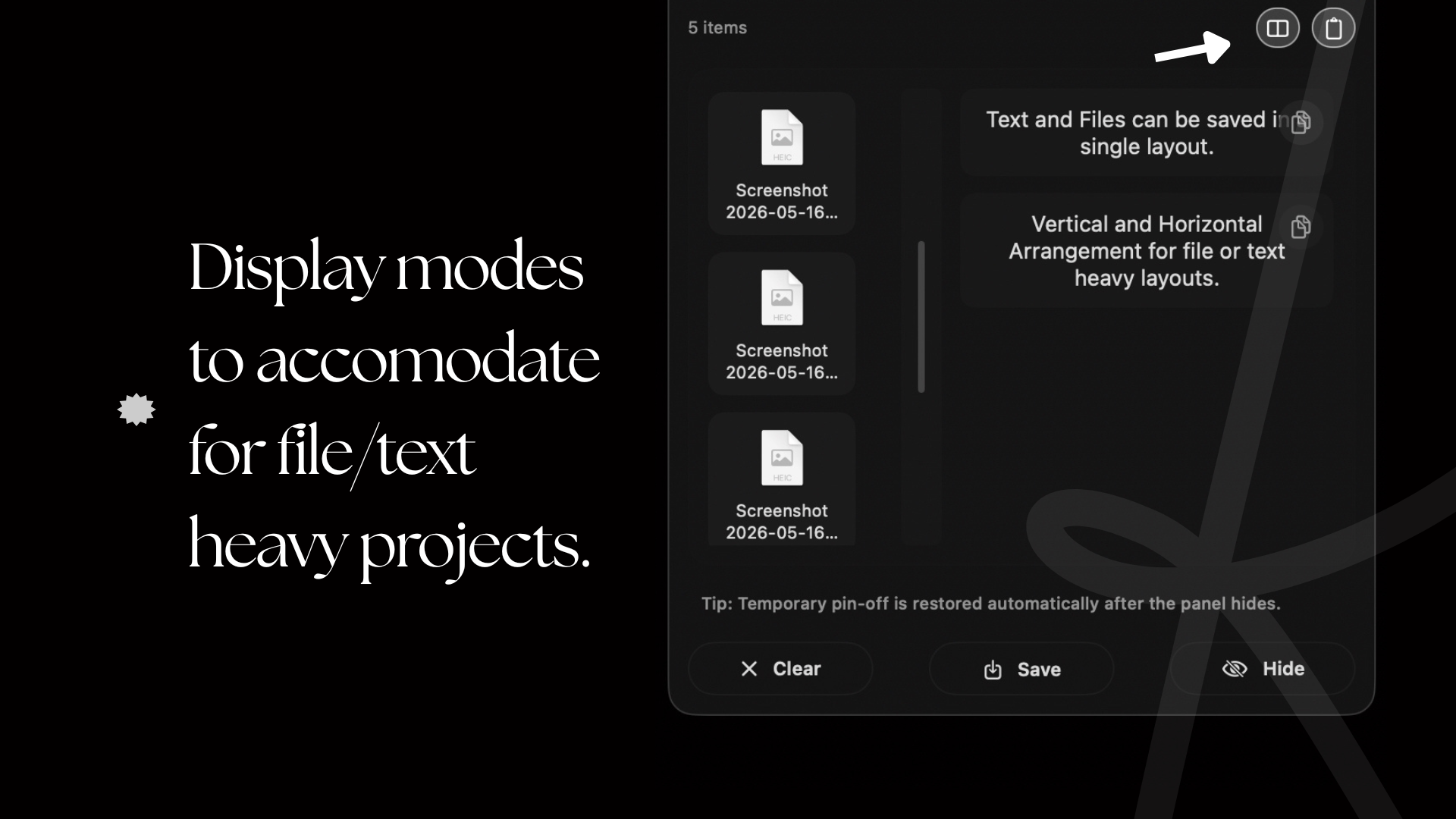
Collect files, text, links, images, folders and apps in one visible menu bar panel. Move the set between apps, save a reusable layout, or clear it when the job is done.
DropK 3.0 · macOS 15.6+ · Free tier available
Why EQK
A practical Mac equalizer, not a mystery box.
Use a separate curve for music, clearer speech for a video player, and measured AutoEq correction for your headphones. Optional AI Tune analyses audio on your Mac, while manual EQ always stays available.
See every EQK capability and limit · Read the setup guide · Check EQK privacy
Direct download
Install the notarized app. Buy once when you are ready.
Download EQK 3.2, use the complete app for 14 days, then buy one lifetime licence for up to 2 Macs.
7.5 MBSigned & notarizedmacOS 14.6+Apple silicon and IntelSelf-serve recovery
Lifetime licence
₹699₹999 · no subscription
Checking current offerSecure checkout
Enter your email and choose an available offer.
Razorpay handles the payment securely. Your licence key is emailed after payment. Use it on up to two Macs.
Prefer Apple billing?
The Mac App Store currently has EQK 2.2. Apple handles its payment and updates. It requires macOS 15.6 or later.

More from the studio
One new release, one experiment.
BenchK is now free on the Mac App Store. 2N BacK remains in development without a promised release date.

Version 1.0 · macOS 14.6+ · Free
BenchK
A repeatable visual and audio reaction-time test with 20-try sessions and history kept on your Mac.

iPhone & iPad · iOS 17.6+ · In development
2N BacK
A focused dual n-back practice app with adaptive sessions and on-device results.
A note from Aakash
I make the products and answer the support mail.
I’m an independent developer building small tools with clear limits and direct support. If you are building an app too, I also offer focused guidance without turning that work into the main event here.